Draw like magic. On real paper.
overjoy turns a phone on a tripod into a tracing window. Your child picks a drawing, it appears on the sheet of paper in the camera picture, and they follow the lines with a real pencil — watching the screen as they go.
Works in the phone's browser. No app to install, nothing recorded.

How it works
1. Prop up the phone
On a tripod, or a stack of books, looking down at the table.
2. Lay down a sheet
Any A4 paper. overjoy finds it in the camera picture.
3. Pick a drawing
The lines appear right on your paper — on the screen.
4. Trace it!
Watch the screen, follow the lines with your pencil. Ta-da!
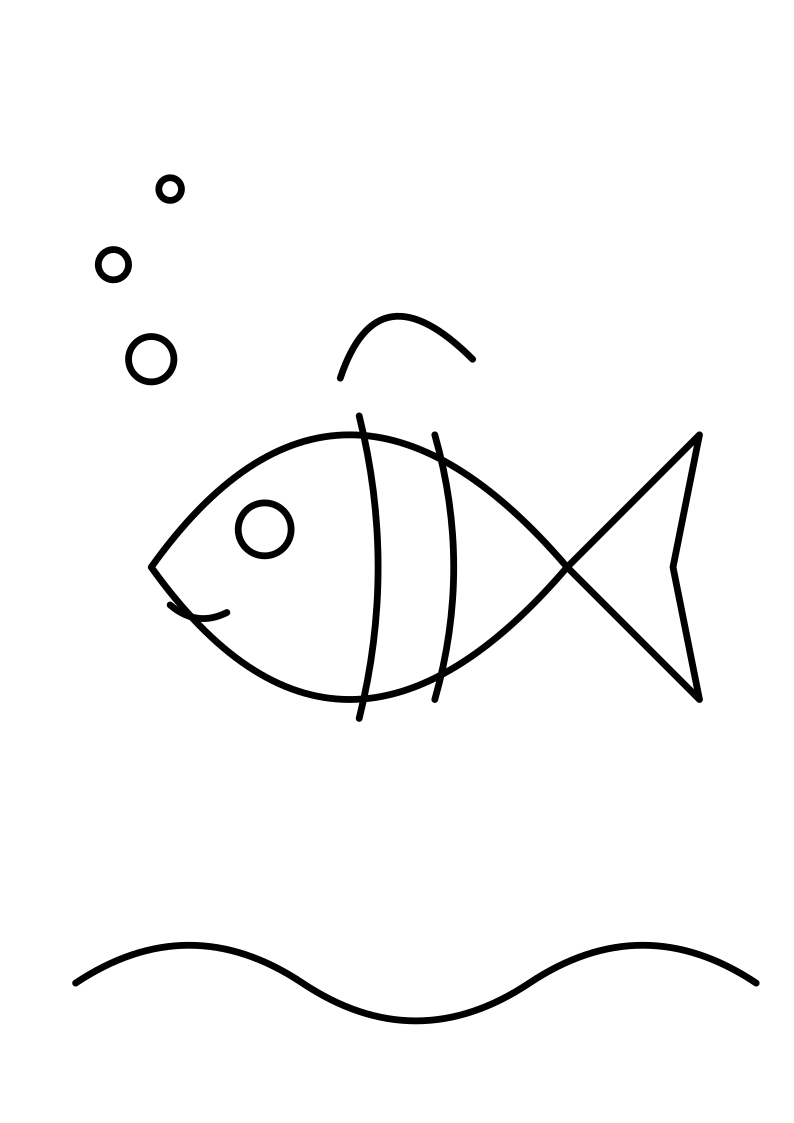
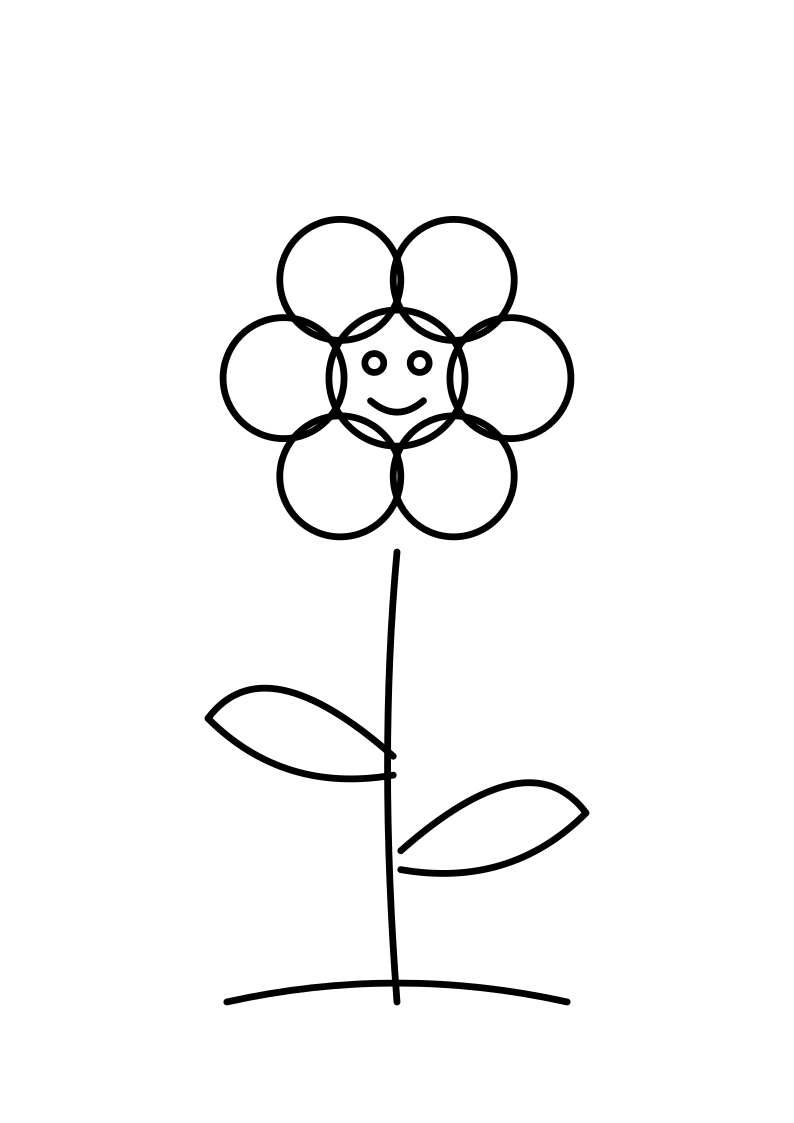
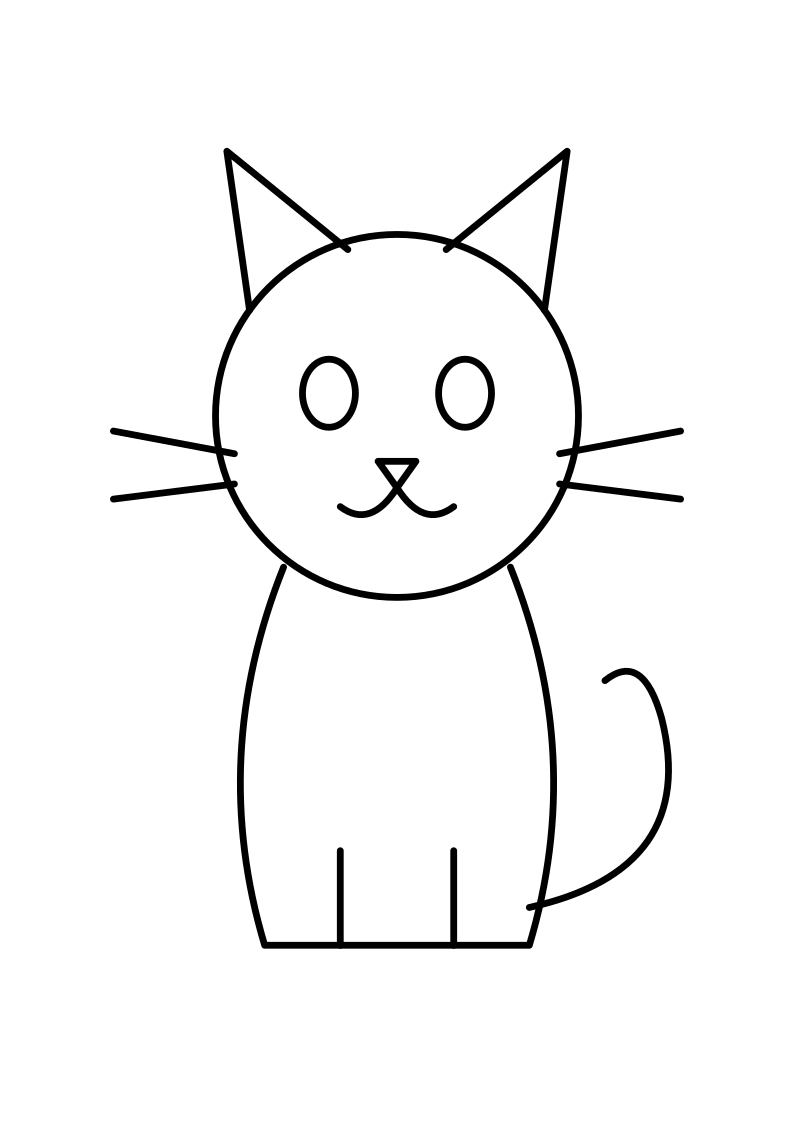
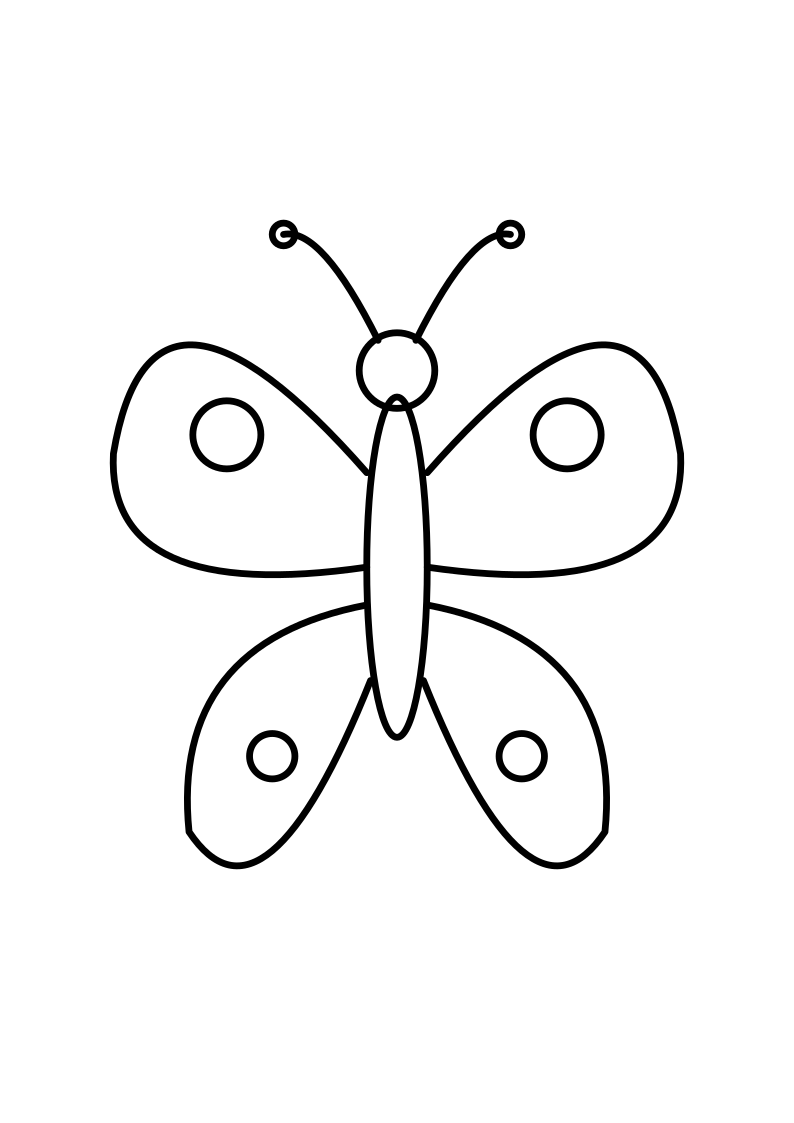
Pick something to draw
A few to start with — or use any picture from your phone.


✨ Magic drawings
Type “a dragon eating spaghetti” and get simple line art made to be traced. A few free every day with an account.
📡 Hands-off remote
Once the paper is lined up, don't touch the tripod phone. Change the drawing from a second phone or tablet instead.
🔒 Kid-proof lock
Lock the screen so little hands can lean on it. Grown-ups unlock with a long press.
🖼️ Your own pictures
Trace a photo of a favourite toy, a page from a colouring book, or grandma's cat.
overjoy Plus
Tracing, the built-in drawings and your own pictures are free. Plus unlocks unlimited magic drawings. Cancel any time from your page.
See Plus